
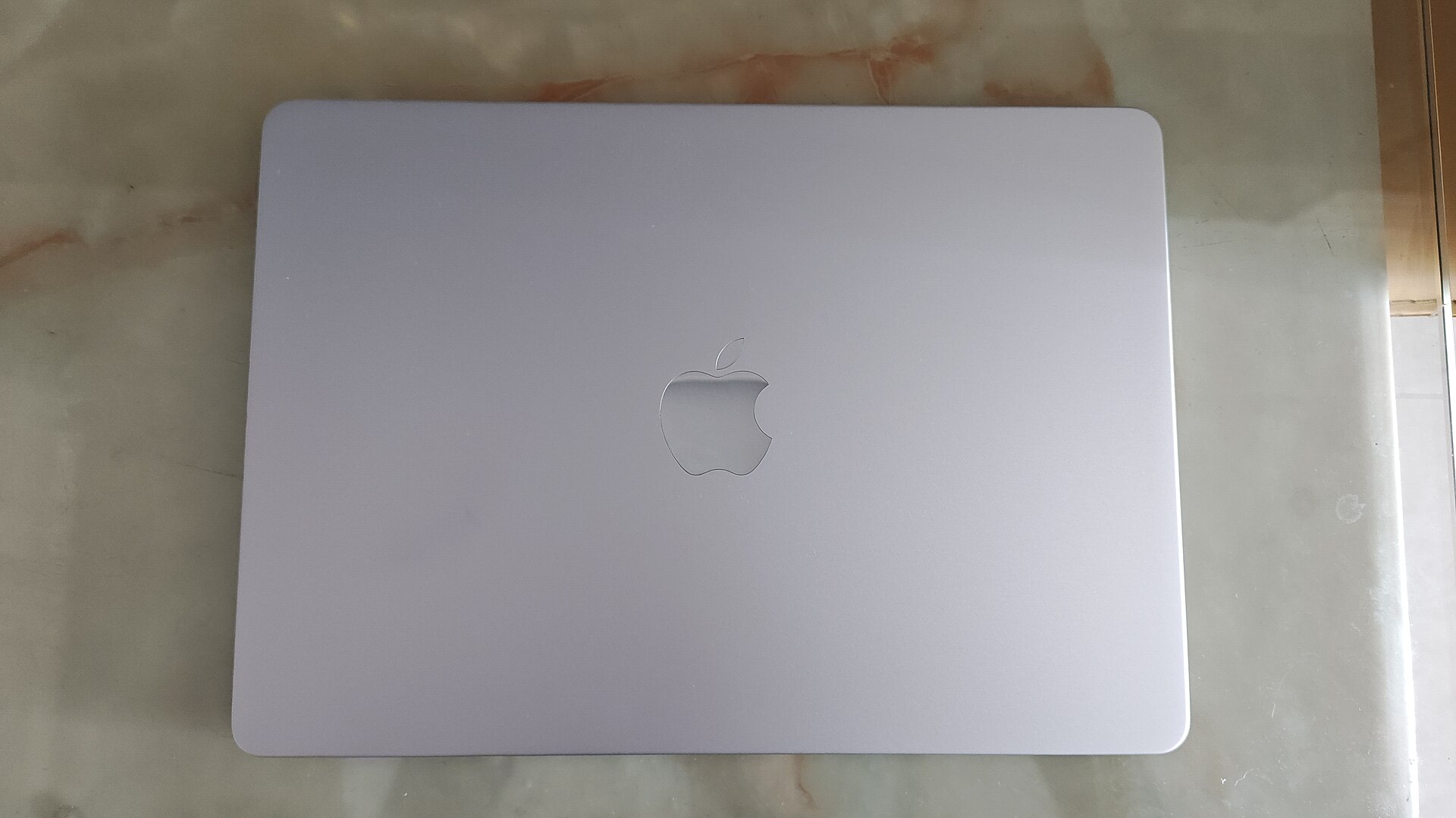
The M2 MacBook Air is worth assessing as an everyday tool rather than as a promise that every laptop task will feel effortless. Its slim design and fanless operation suit a certain kind of work: writing, research, browsing and meetings. The more important question is whether its connections, display support and configuration match the way you actually use a computer.
At a glance
| Model | 13-inch MacBook Air, M2 (2022) |
|---|---|
| Display | 13.6-inch Liquid Retina |
| Charging | MagSafe 3 |
| Ports | Two Thunderbolt / USB 4 ports |
A calmer desk starts with the right connections
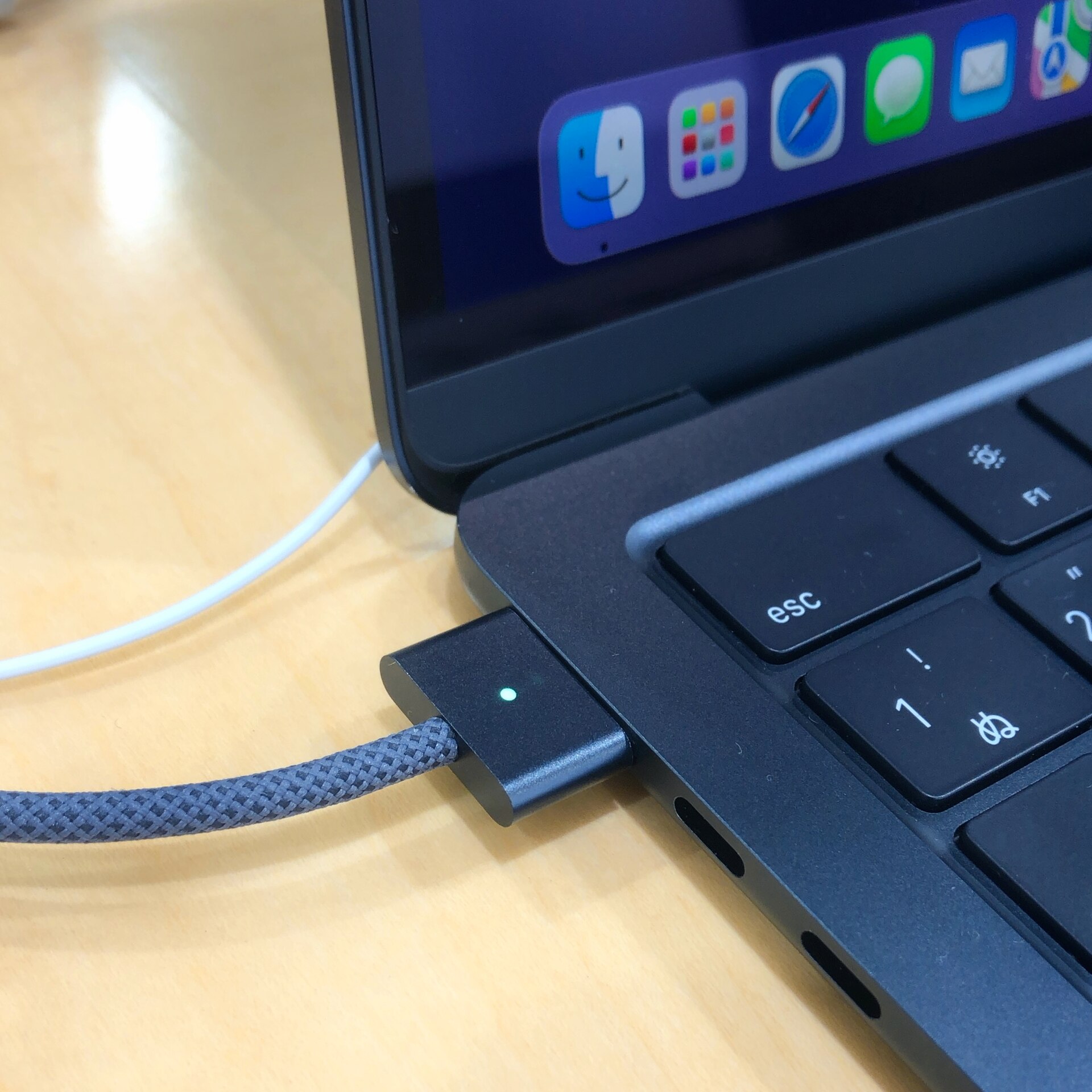
Apple specifies two Thunderbolt / USB 4 ports, MagSafe charging and a headphone jack. That is a useful starting point, but a desk with USB-A accessories, wired networking and a card reader will need adapters or a dock. Count the devices you connect on a normal day before buying. A clean-looking laptop can become an untidy setup if every routine task requires a different dongle. Keep the cost of a reliable dock in the comparison with a laptop that already has the ports you need.
Configuration matters more than the model name
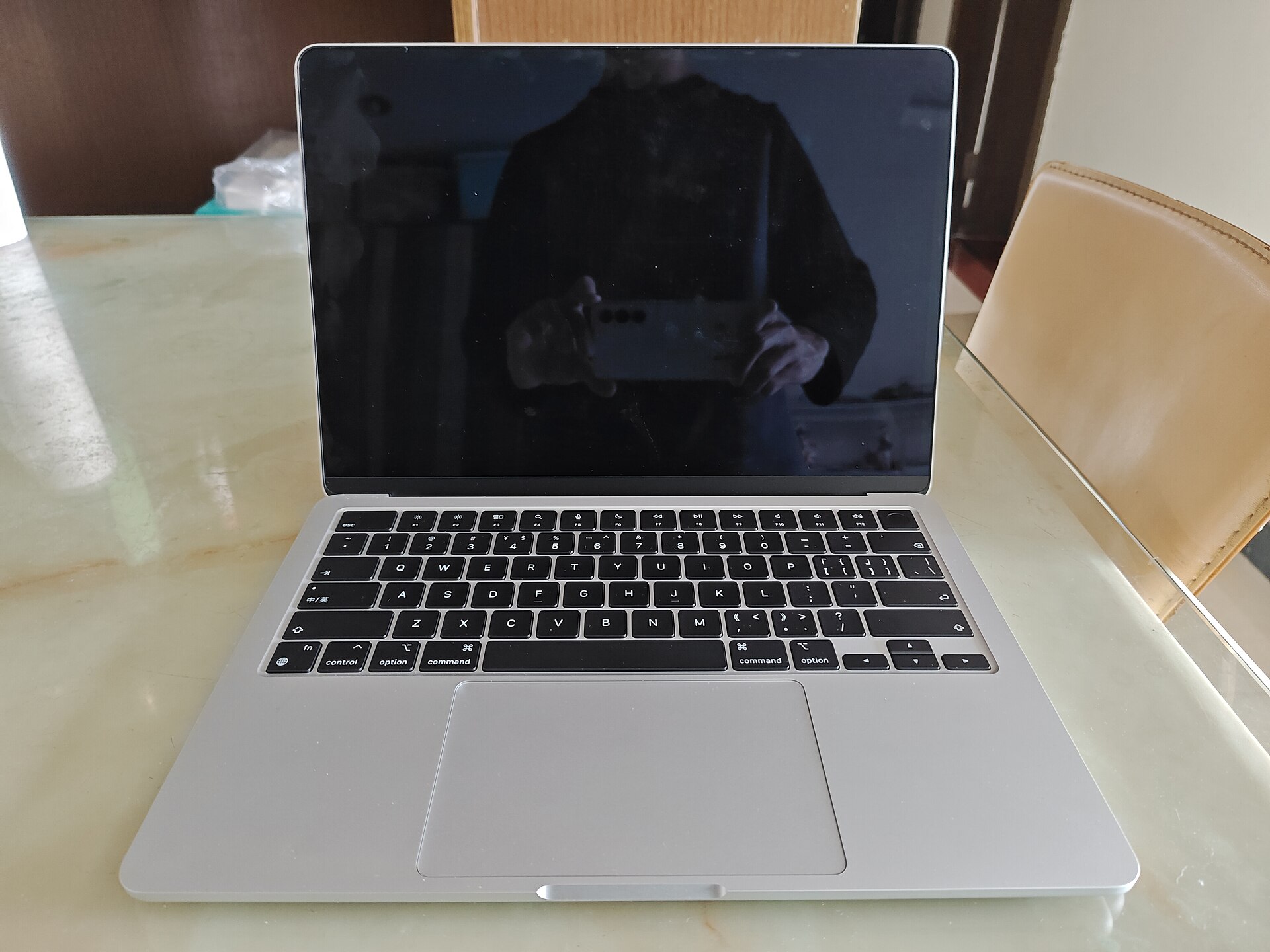
M2 describes a chip family, not a complete purchase. Memory and storage vary between units, particularly in the used market. Ask for a screenshot of the actual system configuration rather than relying on a listing title. If you keep many applications open, work with large projects or expect several years of use, buy the configuration that fits those habits today. Treat memory and internal storage as purchase-time decisions; do not plan on a simple later upgrade.
A screen limitation to check before checkout
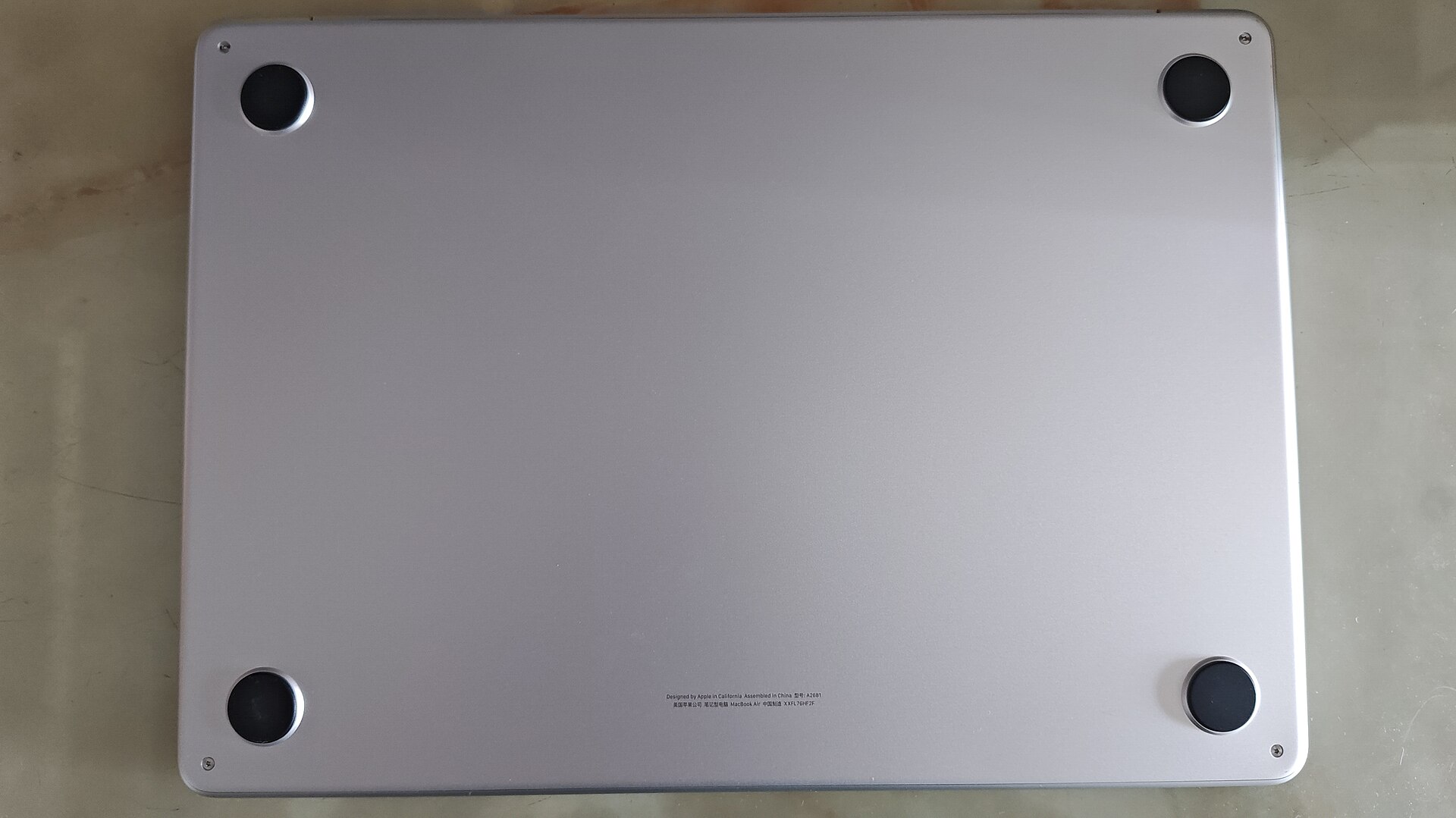
Apple lists support for one external display at up to 6K and 60Hz alongside the built-in display. That is a practical limitation for anyone who expects to plug in two external monitors natively. Specialist adapters and software are a different arrangement and may bring their own tradeoffs. Sketch your intended desk setup before ordering a monitor or dock. For someone who mainly works on the built-in display and occasionally connects one larger screen, this restriction may have little effect.
Buying an older laptop responsibly
A used laptop should be assessed as an individual machine. Check battery condition, charger safety, keyboard operation, ports and signs of liquid damage. Confirm that the previous owner has removed account locks and organizational management before handing over payment. Compare a real return policy and warranty with a private-sale discount. We have not benchmarked this unit, so this article does not attach invented performance scores or battery results to a model that may arrive in very different condition.
What works in its favour
- Fanless design avoids cooling-fan noise
- MagSafe leaves USB ports available while charging
- Compact format for routine portable work
What to weigh up
- Native external-display support is limited
- Adapters may be necessary for existing accessories
- Memory and storage need careful selection up front
Who should buy it?
A sensible shortlist candidate for writers, students and everyday macOS users who need one external screen at most. Creators with sustained heavy workloads or elaborate multi-monitor desks should compare alternatives.
The Quietdrive verdict
The M2 Air can still be a considered everyday purchase when the specific configuration, condition and price are right. Its strongest case is a simple workflow. Do the port and display checks first, then compare the total cost against newer or refurbished options.
Sources & transparency
Apple technical specifications. Specifications and support can change; check the exact model and your region before purchase. Images are independently licensed photographs, not evidence of Quietdrive testing. Each photograph carries its source and license.
There are no paid placements or tracked affiliate links in this article. Affiliate disclosure.